
Table of Contents
Platform is built for you #
Our goal is to make sure that the platform does what YOU want it to. This means we are always looking for feedback on how to improve and how we could be of more value in your day-to-day business.
How to submit a new request #
Within your JobTrace OS account, you will see a “Feedback” button in the bottom left of the screen. If not there, make sure you have scrolled all the way to the bottom of the portal screen.
1
Click Feedback button

2
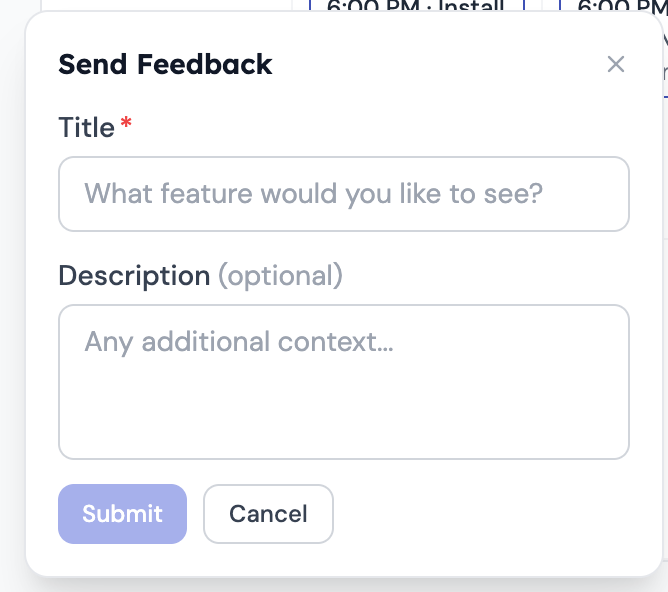
Tell us what you hope to see
3
Click Submit
That’s it! Our team will review your request, and reach out if we have any more questions. We will then give you an idea on if/when we hope to have this implemented.


